How To Build a Podcast Room in a Small Office
A spare desk can seem like enough until the first test recording starts. The microphone picks up more than the voice. It captures the hallway, the air vent, chair movement, and the room itself. A stronger plan for building a podcast room in a small office starts with the space’s acoustics. Gear matters, but the room determines how much work the microphone has to do.
Here are a few tips for setting up your podcast!
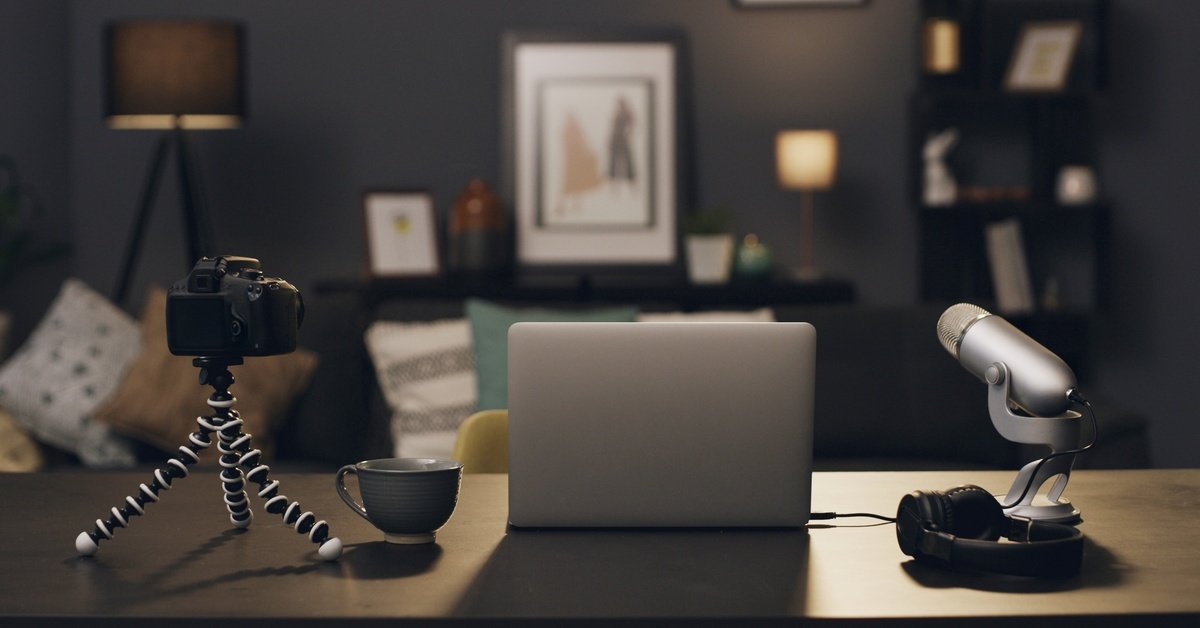
Start With the Quietest Part of the Office
The best podcast corner may not look the most polished. A wall with a nice background can still sit too close to foot traffic or shared office noise.
Spend a few minutes listening in the room before moving furniture. Notice where the air vent hums. Pay attention to how much sound comes through the door. OSHA’s workplace noise overview notes that needing to shout to speak at arm’s length can signal a noise problem. A podcast room needs a much calmer baseline than that.
Once you find the quieter side of the office, build around it. A small room with fewer interruptions will usually record better than a larger room with constant noise.
Let the Room Shape the Desk
A podcast desk should help the speaker settle into a natural position. If the mic sits too far away, the recording may catch more room sound. If the desk wobbles, small movements can be transmitted to the mic.
Place the chair where the speaker can sit comfortably and stay close to the microphone. A boom arm can help by bringing the mic into position without covering the desk. Keep the computer tower, printer, or other noisy equipment farther away when the room allows it.
The setup should feel simple enough to repeat. If every recording requires moving half the office, the room will start working against the podcast.
Fix Echo Before Upgrading Equipment
Many recording problems start with the walls. Hard surfaces can reflect the voice toward the microphone, making the audio sound hollow or sharp.
When test recordings keep bouncing around the room, it can indicate that the office isn’t acoustically sound, which may explain why the mic sounds worse than expected. A rug, curtain, or acoustic panel near the speaker can soften reflections without taking over the office.
A Short Sound Test
- Record 30 seconds of silence.
- Clap once and listen for the echo.
- Speak at normal volume near the mic.
- Play the test back before changing gear.
A small test can save money because it shows whether the room or the equipment needs attention first.
Make Video Feel Calm Too
Some podcasts stay audio-only, but many office setups eventually add video. A small office background should feel clean without looking empty.
Place the chair so the background has depth, if possible. Avoid bright windows behind the speaker. A soft desk light can help when the overhead light makes the room look harsh.
Don’t pack the wall with visual clutter. A clean shelf, simple art, or branded item can give the frame some personality without distracting from the speaker.
Let the Space Support the Voice
A thoughtful small-office podcast room setup doesn’t require a large renovation. It needs a quieter corner, softer sound, and a workflow that makes recording easier to repeat.
Listeners may never see the office, but they’ll hear how the room supports the voice. When the space feels controlled, the podcast sounds more confident.