NordPass releases seventh annual Top 200 Most Common Passwords report highlighting Philippine trends
NordPass, together with NordStellar, released the seventh edition of its annual Top 200 Most Common Passwords research. The study identifies the most popular passwords globally and in 44 countries, with new insights on how different generations choose passwords.
In the Philippines, “123456” remains the most common password, followed by “Gonzales56.” Variations of “password” occupy three spots, while numeric sequences appear eight times in the top 20, reflecting persistent weak password habits.
Experts note that despite ongoing cybersecurity awareness campaigns, many Filipinos still rely on simple words, number combinations, or keyboard patterns. Sports-related terms have largely disappeared from global lists, but Philippine passwords continue to follow basic letter-and-number sequences.
Globally, “123456” is the most common password, followed by “admin” and “12345678.” The report shows a significant rise in passwords with special characters, from six last year to 32 this year. The “@” symbol is the most frequent special character, often appearing in weak combinations like “P@ssw0rd,” “Admin@123,” and “Abcd@1234.”
The myth of the digital native
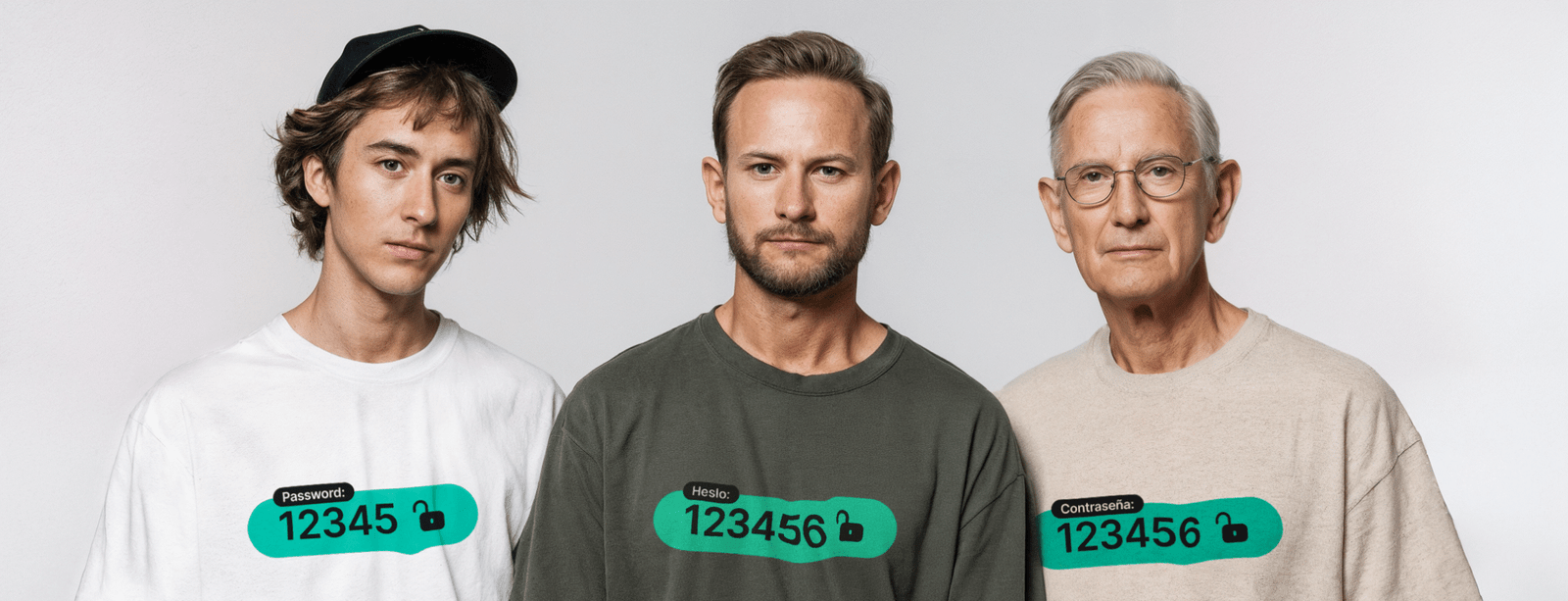
Research shows that exposure to technology does not guarantee strong password practices. Digital Natives often select similar passwords to older generations, favoring numeric sequences over names. Older generations, especially Generation X, Baby Boomers, and the Silent Generation, are more likely to include names in passwords.
Among older users, “Veronica” is the most common name for Generation X, “Maria” for Baby Boomers, and “Susana” for the Silent Generation. In contrast, Generations Z and Y prefer sequences such as “1234567890” and terms like “skibidi.”
Karolis Arbaciauskas, head of product at NordPass, emphasized the continued need for strong password practices. “Weak and reused passwords remain the cause of around 80% of data breaches. Until passwordless authentication becomes widespread, strong passwords are critical to online safety,” he said.
Tips for stronger digital hygiene
The report provides actionable guidance to improve password security:
-
Create long, random passwords or passphrases with at least 20 characters using numbers, letters, and special characters.
-
Never reuse passwords; each account should have a unique password.
-
Regularly review passwords to identify weak or outdated ones and update them.
-
Use a password manager to generate, store, and manage credentials securely.
-
Enable multi-factor authentication (MFA) for added protection.
The research analyzed publicly exposed passwords from September 2024 to September 2025, using dark web data and public breaches. No personal data was purchased or accessed. The study highlights persistent global and local password weaknesses while underscoring the need for better digital hygiene.